Skip to content
PassLocal

Orders + payments for any counter

Print a QR. Take orders. Get paid.

Guests scan, order in their language and pay online — at cafés, food courts, festivals, markets and pop-ups. Set up in minutes.

No appNo terminalNo contracts

Built for any counter

Anywhere a QR can stick.

The setup that works for a café needs no extra steps to work for a festival stand. One product, wider counter.

Bars & cafés

The lunch queue stacks up at the counter, and tourists who can't read the menu put it down and walk. Guests order from their phone in their language; staff stops being a translation service.

Menu in the guest's language — all 14

La Nit Rodona · Passatge de l’Eclipsi 9
Food courts & markets

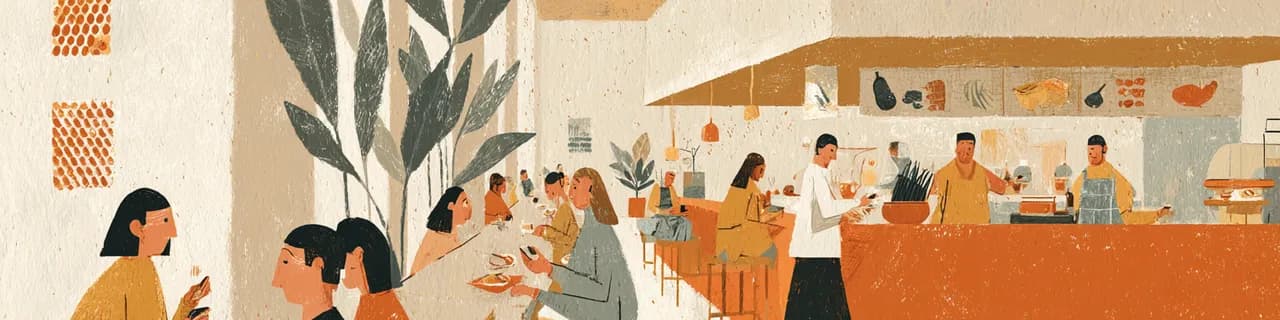
Six stands, one overwhelmed till each — and guests won't queue twice. Every stand gets its own QR and its own Stripe; guests order from the table, and pickup codes call them back.

Pickup code A-204

Ramen Taku · Stand 12, La Nau Food Hall

Festivals & events

Temporary bars built in a day, card terminals rented per unit, queues that swallow the headline slot. A stand goes live the evening before; when the shift ends, close ordering with one switch.

Open Fri 18:00 · close Sun 23:00

Vermut Stand · Mar Sonor Festival

Pop-ups & food trucks

No room for a register, and setup or teardown happens daily. The phone is the counter — orders, payments and the ready board in one browser tab.

The phone is the counter

Arepas Doña Carmen · Vermut & Vinil (pop-up)

How it works

From paper menu to paid orders, in four steps.

Create your venue

A name is enough.

Bring your menu

Photograph the paper one, or import what you already have — PDF, spreadsheet, website or delivery-app menu. Items, prices and categories land ready to edit.Every item auto-translated into 14 languages.

Connect payments

Guided Stripe setup. Identity check by Stripe — usually minutes, sometimes up to a day.Money goes directly to your account.

Print your QR — or get stickers delivered

Ready about 5 minutes from signup, even with the menu unfinished. Orders start when guests scan.

Building the menu, previewing it as a guest and printing the QR need no payment setup. Taking live orders starts once Stripe is connected — that part is the gate, and it's the only one.

Payments

Get paid online, directly.

CardsApple PayGoogle PayBizumAlipay

Yours from the first euro

Money settles directly to your Stripe account. PassLocal never holds your funds.

No hardware to rent

No terminal rental, no acquiring contract with a bank. A guest's phone is the terminal.

A declined card isn't a lost order

The guest pays at the counter instead — the order stays on your screen.

What it costs
Free to set upNo card needed to start
Standard Stripe processing fees applyCharged by Stripe, per payment

The guest side

Guests order in their language.

This is a real menu — try it from your phone.

14 languages, auto-detectedAllergen filter — the EU 14Order in 4 tapsNo app, no signup

The counter side

Run the service from any phone.

New order, new sound. Orders land on whatever phone or tablet is behind the counter — a browser tab, nothing to install.

Two taps: accept, then ready. The guest gets a push and a pickup code — no shouting over the queue.

Open and close ordering with one switch. A festival stand opens Friday 18:00 and closes Sunday night; in between, the QR politely says you're closed.

Sold out in one tap. Guests see it instantly — and the dashboard keeps revenue, orders, top items and guest languages in view.

La Nit RodonaVermut Stand · Mar SonorRamen Taku · Stand 12

Run several stands under one account — each with its own QR, menu and payouts.

QR + stickers

The whole install is a sticker.

Print it today — PNG, SVG or PDF — even while the menu is a work in progress. Or order weatherproof stickers, printed and delivered to the venue, EU-wide.

PNG · SVG · PDFWeatherproof stickers, delivered

No contracts

Leave whenever. Your menu and your data stay yours.

Your guests, your data

We don't resell traffic or sit between you and your regulars. Guests are yours, not a marketplace's.

Made in Barcelona

Built at real counters, for counter service — in a city that queues for vermut.

Questions

Direct answers.

Do I need a Stripe account?

Yes. You connect an existing account or create one during setup. Stripe's identity check usually takes minutes, sometimes up to a day.

What if a guest's card is declined?

They pay at the counter instead. The order isn't lost.

Do guests need an app?

No. The menu opens in the browser, in about 2 seconds.

How fast can I realistically start?

Menu from a photo plus a printed QR: about 5 minutes. Taking paid orders: as soon as Stripe approves your account.

I run several stands — can I use one account?

Yes. Each stand gets its own QR, menu and payouts, switchable in one dashboard.

We're only open during events — does that work?

Yes. Open and close ordering with one switch. When closed, the QR politely says so.

What does it cost?

Free to set up. Standard Stripe processing fees apply.

Print a QR. Take orders.

QR ready in about 5 minutes.